Shadowrocket · Tutorial

Shadowrocket:
download, setup, and how to use it

This page covers where to get Shadowrocket, how to configure it, and common questions: why a proxy client is needed, how to install and add nodes on iOS, and what a working connection looks like.

Shadowrocket illustration: a rocket through network nodes
Fig. 01 · Shadowrocket product illustration
ToolShadowrocket
PlatformiOS / iPadOS
ProtocolShadowsocks · VMess · VLESS · Trojan
Read timeAbout 4 min

Note: Steps follow App Store descriptions and hands-on tests. On-screen copy can differ by version. Trust what you see on the device. This site is not affiliated with official Shadowrocket.

01Background

Why you need
a proxy client.

Some sites and catalogs will not open because of region or network limits

Geography, school or office networks, and unstable routes can block a page, time it out, or hide the catalog you want. Typical cases:

  • Streaming catalogsNetflix, BBC iPlayer, and similar libraries change by country — the title you want may not be offered on your home storefront.
  • Restricted networksCampus, workplace, or public Wi-Fi may block or throttle video, developer sites, or messaging.
  • Work toolsFigma, GitHub, or Google Workspace can be slow or unreachable on some networks.
  • News and mediaSome publishers geo-block stories; a node in another region can reach the version they allow there.

Many tools still ask you to type server, port, and cipher by hand. For people without that background, the hard step is "what do I paste into Import."

The rest of this page walks through download, import, pick a node, connect, and verify, and flags the mistakes beginners hit.

02The app

What Shadowrocket
is.

Shadowrocket is an iOS proxy client. It puts several protocols — ShadowsocksV2RayTrojanVmess — in one app, and supports rule-based routing by domain, IP, and app. Config stays on the device. It is not uploaded to a third-party server.

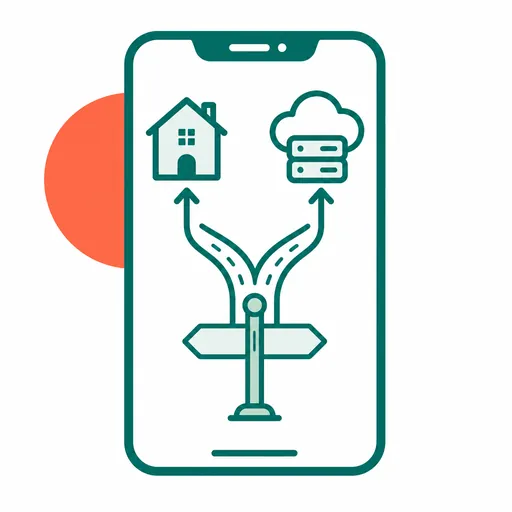
Send traffic DIRECT or PROXY by domain or IP

Compared with similar clients, Shadowrocket covers more protocols, stays light, and lets you write fairly fine-grained rules. That is the gap versus a one-tap proxy you cannot customize.

ProtocolNotesBest for
ShadowsocksLightweight, oldest, most mature ecosystemYou want simple and stable, with plenty of nodes
V2Ray (Vmess)Many transport disguises, stronger against interferenceHostile networks where you need more cover
TrojanLooks like normal HTTPS, harder to fingerprintWhen connection stability matters most
VLESSA lighter V2Ray alternative, less overheadNewer nodes where speed and efficiency matter

Beyond protocols, the useful part is rule-based routing: keep local sites and banking DIRECT, send geo-restricted or slow destinations through a node; or pin one app to DIRECT and another to PROXY. Rules look roughly like this:

DOMAIN-SUFFIX,netflix.com,PROXY
DOMAIN-SUFFIX,apple.com,DIRECT
GEOIP,US,DIRECT
FINAL,PROXY

In short: matching traffic uses that policy. Anything unmatched uses the last fallback rule. You can write the file yourself or import a maintained rule subscription. You do not start from a blank page.

Where to get it App Store only. If your storefront lists it, search and buy. If not, switch the App Store Apple ID to a region that does — never sign that ID into iCloud
Full download guide →

Note: Buy with your everyday Apple ID when the app is listed. If you had to switch storefronts, you can switch back after install. Full steps: download guide. Step 1 in the next chapter is the short version.

03Quick start

Setup
(5 steps).

These are the core steps from download to connect, in order, about 3 minutes. For the longer version (three import methods, Global Routing, how rules work, troubleshooting) see the full tutorial →

Step 1: Download and install Shadowrocket
01

Install

Open the App Store (not Settings) and search for Shadowrocket. If it appears, buy it with your usual Apple ID. If it does not, sign out of the App Store only (avatar → bottom → Sign Out), sign in with an Apple ID from a listed region, then search again. First launch asks for VPN permission. Details: full download guide.

⚠️ Common mistake: if you create a listed-region Apple ID and it asks for a billing method, choose None when the option is there. You do not need a real overseas address or a second credit card for that skip path.

No payment method required · switch back after install
Step 2: Import a subscription or config
02

Import

With a subscription URL, tap + at the top right of Home, set Type to Subscribe → paste the URL → add an Alias → save. You do not type server, port, or password by hand. Save only stores the URL. The node list is still empty. Open that subscription and tap Update so Shadowrocket can fetch the nodes.

⚠️ Common mistake: Home is empty after save, so you think import failed. You skipped Update. Open the subscription and tap it once.

Paste a URL or scan a QR code
Step 3: Pick a node
03

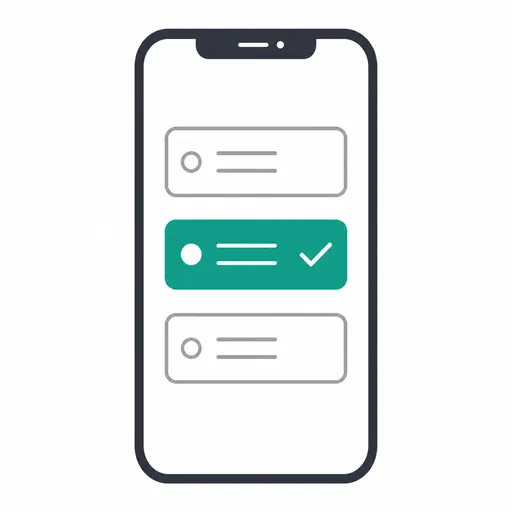
Pick a node

The list usually shows a delay. Pick a lower number on a nearby server. If you are unsure, tap the test icon at the top right so Shadowrocket pings the batch, then pick the fastest.

⚠️ Common mistake: delay shows Timeout or red. That node is unavailable for now. Pick a green or yellow one. The app is fine.

Lower delay is better · switch anytime
Step 4: Connect
04

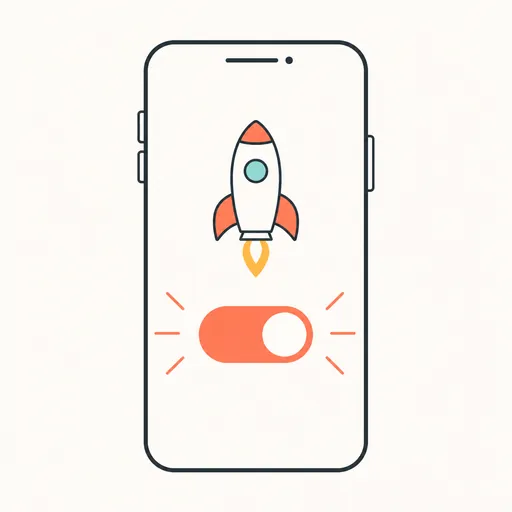
Connect

Back on Home, tap the top switch. When the icon lights up and the status is Connected, the tunnel is up — try the site or catalog you needed. iOS will ask once to add a VPN configuration; tap Allow. That is a system prompt, not a privacy leak.

⚠️ Common mistake: the icon keeps blinking after you flip the switch. The current node timed out. Go back and pick another.

Once connected, setup is done
Step 5: Confirm status and traffic
05

Verify

Open a browser and try the site or catalog you wanted. If it loads, setup worked. To see where traffic goes, open the Data tab: Direct vs Proxy. If Proxy keeps growing while you use the proxied site, traffic is actually on the node.

The Data tab shows Direct vs Proxy traffic
Full tutorial → Three import methods · Global Routing · how rules work · troubleshooting
04After setup

What it looks like
after you connect.

After you connect, geo-restricted, blocked, or poorly routed sites can load again. Speed still depends on the node and your network. Typical outcomes:

After connect, pages and apps that were blocked or geo-limited load again
  • StreamingOpen the catalog that matches your node’s region, without sitting on a spinner.
  • Restricted Wi-FiReach video or docs that the campus or office network was blocking or throttling.
  • Work toolsFigma, GitHub, and Google Docs stay usable when the local path is unreliable.
  • Several devices The same subscription works on multiple iOS devices. Switching phones on a trip does not mean starting over.

To keep the list fresh, go to Settings → Subscribe and turn on Update on Open and Auto Update in Background (the latter needs Settings → General → Background App Refresh for Shadowrocket). Put sites that should never use a node — local banking, maps, your intranet — in the rules as DIRECT so they do not hairpin overseas.

$2.99One-time purchase, no IAP or app subscription
7Mainstream proxy protocols
3 minFirst-time setup with the steps on this page
05FAQ

FAQ.

Q1What if I cannot find Shadowrocket in my App Store?+

The app is sold only on the App Store, and only in some countries. If your storefront lists it, search and buy with your usual Apple ID. If not, sign into the App Store (not iCloud) with an Apple ID from a listed region, download, then switch back. Full steps: download guide.

Q2I have no subscription URL. How do I get nodes?+

You can run your own server and export a config, or use a reputable subscription / provider, then import the URL as in step 2. You do not type server, port, and password by hand.

Q3I connected but still cannot get online. What now?+

Check that the node is still valid and that the phone's clock is accurate, then try another node in the list. If it stays down, use the troubleshooting guide.

Q4Which devices does Shadowrocket support?+

iOS / iPadOS only, iOS 13.0 or later. On Android, use another client that speaks the same protocols. The config logic is similar; the UI is not.

Q5Does Shadowrocket itself cost money?+

The app itself is a one-time App Store purchase. No IAP, no subscription fee. Ongoing cost is the node / subscription service, bought or self-hosted separately, unrelated to the app price.

Q6How many devices can one subscription be used on?+

That limit comes from the subscription you bought (often 3–5 devices), not from Shadowrocket. The same URL can be imported on multiple iOS devices.

Q7How do I back up nodes and rules I already set up?+

Turn on Data → iCloud → Auto Sync, and allow Shadowrocket to use iCloud Drive under Settings → your Apple ID → iCloud. Nodes and configs then sync. On a new device, sign in with the same Apple ID, repeat that setting, and open Shadowrocket — you should see the old data without adding nodes one by one. Scenes and Groups are not in auto sync; back those up yourself.

Q8How often should I update the rules file?+

If you use subscribed rules or nodes, turn on Auto Update in Background under Settings → Subscribe (allow Background App Refresh in iOS Settings; you can set the interval). You do not have to tap Update every time.

Glossary

Node
A server that forwards your requests, usually named by region or line.
Subscription
A URL that packs a batch of nodes. Import it and the list is generated for you.
Rule-based routing
Decide DIRECT or PROXY by domain, IP, or app, instead of sending all traffic through a node.
Delay
Round-trip time to the node, in milliseconds (ms). Smaller usually feels smoother.

If these steps did not fix it, the links below go to the full illustrated tutorial and the troubleshooting guide.